
WX OutThere
What's in it for you.
You see the weather first. OutThere puts it on the air in seconds, from the watch on your wrist, hands still on the wheel, and keeps the replay when you stop.
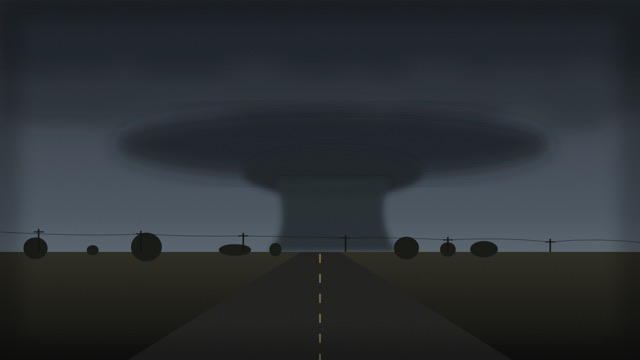
Your view is the one people need.
A radar shows where a storm is. You show what it is doing: the cell going up, the wall cloud lowering, the road flooding.
On the air in two taps
Tap Go live and the picture is out. Tap Stop and you are off. No encoder, no export, no second app.
Hands free when it counts
Camera glasses, so both hands stay on the wheel.
Nothing is lost
Every broadcast is recorded. Share the replay, or put it on a shelf.
No ads on the broadcast
Nothing plays before the broadcast or over it.
From deciding to broadcasting in seconds.
Sign in once. After that, going live is the same from whatever camera you have.
Ready to go live
Moore intercept, south target
Created, not broadcasting yet
- 01Sign in, allow camera and locationOnce. Skip location and the stream has no map pin.
- 02Pick a cameraMeta glasses, your phone, this browser, or OBS and other encoders with the stream key.
- 03Tap Go liveThe watch page goes live with the first frames. A timer shows time on, and time left.
- 04Or schedule itSet a time. Remind yourself, your followers, or everyone.
- 05Tap StopYou are off the air. The replay shows up about a minute later.
The camera is on your face, not in your hand.
Pair Meta glasses with OutThere on iPhone or Android. The glasses take the picture and the sound. The phone in your pocket sends it over cellular.
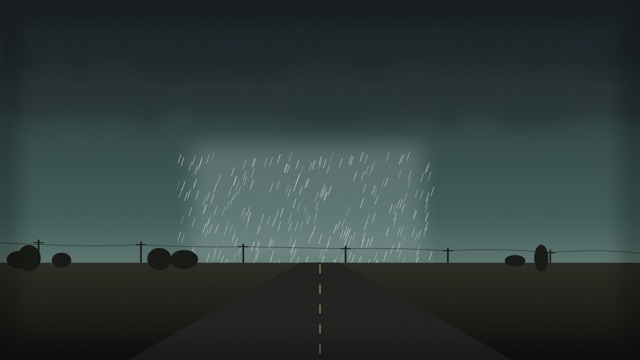
Point of view, not a phone held up
Your eye line is the shot: the road ahead, the sky as you turn.
Both hands stay free
Drive, hold a radio, work a tripod. Go Live and Stop are on the watch, the phone, or a half-folded phone on the dash.
Glasses status at a glance
The app shows when the glasses are connected and sending. A dropped link never looks live.
No glasses? Use the phone
The same Go live uses the phone camera: lens, zoom, and torch.
Phone and glasses, from your wrist.
The watch controls both cameras. Go Live, Stop, and the picture work for the iPhone and for Meta glasses. The phone stays in your pocket.
12 watching · 2.4 Mbps
Public
One switch, both cameras
When the iPhone and Meta glasses are both connected, swap which one is on the air. The face names the camera.
Go Live and Stop, under your thumb
One button starts it. Stop asks once. Your wrist taps when you go live, when the link drops, and when you are done.
The picture, on your wrist
The viewfinder shows the glasses or the iPhone camera, so you can check the frame without looking down.
Public, chosen on the watch
A new stream starts private. Flip it to public before you go, or leave it. Resume keeps what that stream already was.
Viewers and the uplink
The watch shows who is watching and the upload rate. A weak signal turns amber. A drop says it is reconnecting.
On the watch face
A complication shows LIVE and how long you have been on, and turns amber if the link drops, even with the app closed.
No bars, record for later
With no connection, the watch offers Record offline. It saves on the phone and uploads privately when you are back.
The phone stays the broadcaster
The watch holds no account and never calls the network. OutThere stays open on the iPhone, and the watch tells it what to do.
No bars? Shoot it now, send it later.
Where there is no signal, shoot on your phone and upload when you are back. An upload joins the same archive as a broadcast and plays the same way.
IMG_2552.mov
Uploading · 64%
The amber tag is new, and waiting on the desk.
Pick it, and start typing
The transfer starts the moment you pick a video, and keeps going while you write the title.
It survives the drive
Uploads resume where they stopped. Backgrounding pauses them. Closing the app leaves them waiting.
From the phone or a browser
From the app in the field, or a file in the browser later. Up to 30 minutes and 2 GB.
It knows when and where it was shot
Date and place come off the video when the phone recorded them. Correct either. If nothing was saved, the form says so.
Tag it in your own words
Pick a tag in use, or type your own. A new tag stays on your video and shows to everyone else once the desk approves it.
Yours until you say otherwise
An upload starts private. Publish it, and it joins the archive, the map, and the shelves like any replay.
See what is live, then and later.
The same app and the same account. Live plays with low latency on the web and in the app, and every broadcast becomes a replay.
- 00:14:07Shelf cloud rolling into MooreOps truck 4 · 9 mi
- 00:53:07Supercell east of ChickashaKelsey R. · 27 mi
Live now, nearest first
Who is on the air, and how far. Pick a place and the list narrows to broadcasts within 100 miles, next to the weather there.
Replays play right where you are
A recording plays in place, on the watch page, the map, or your desk.
Shelves of the best broadcasts
Put replays on carousels you curate, public or private. The desk features a shelf of the week.
Share a link, and take it back
A share link plays with no account. See every link you have sent, copy one, or revoke it.
The whole story, in one place.
A storm day is more than one stream. Put the broadcast, the replay, the clips you uploaded later, your photos and your write-up in one package, in the order it happened.
Moore tornado, May 20
In progressKelsey R. · 9 items · Public
- PostWhat we saw from the I-35 overpass
- LiveSupercell east of Chickasha · replay
- PhotosHail on the hood, and 5 more
- VideoDamage survey, uploaded that night
Everything from the day
Live streams, replays, uploads and photos, from your own library. The same video can sit in more than one package.
Write it up
A description at the top and posts between the pictures, like a blog entry: headings, lists, links and photos, written on the phone.
Photos straight from the camera roll
Pick several at once. The phone sends a clean copy, with the location data the camera saved taken out.
Go live into it
Start a broadcast from inside a package and it lands there, in order, while you are still on the air.
Your order, and your say
Arrange it top to bottom. Every stream, video and photo keeps its own public or private setting, so a private clip in a public package stays yours.
Find it, and share it
Packages sit on Today and Watch, and on the map when they have a place. Send a link that opens with no account, and take it back when you want.
Every broadcast has a place, if you want it to.
With location on, the stream gets a pin and a market. Viewers find the storm and see how far it is. Your choice, every time.
On the map
Live broadcasts and replays with a location show as pins. Pick one and watch it beside the map.
Private by precision
Public pins are rounded to about a kilometer. Private streams stay off the public map.
Named for the market
Each pin is labeled with its TV market, like Oklahoma City.
Weather for the place
Current conditions and the next hours, for where you are or any town you pick.
Mark the moment. Keep the route.
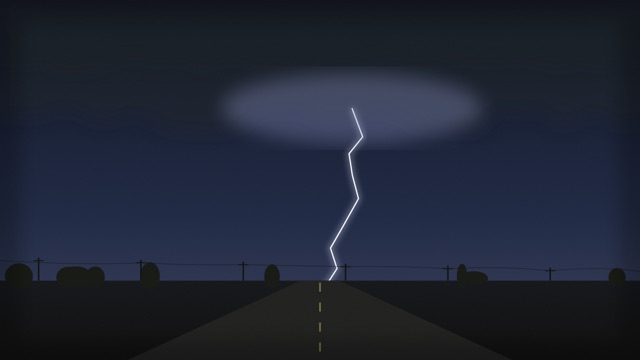
While you are live, the phone notes where you are every five seconds. Tap a weather event and that moment is tagged. On playback, both line up with the picture.
Tag it with one tap
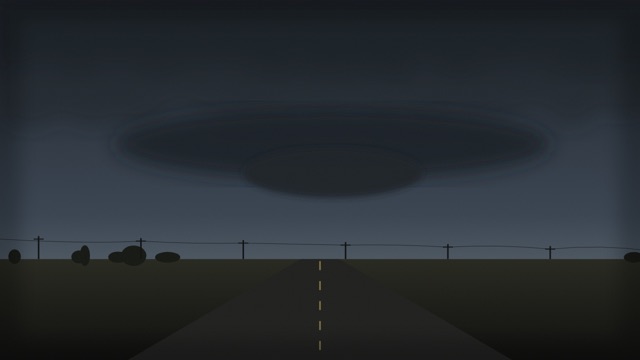
Hail, a wall cloud, a tornado: tap it in the app as it happens. The tag is pinned to your tap, not to when the signal got through. Tapped the wrong one? Undo.
The list comes from the desk
The desk keeps the list of weather events in the CMS, and can add, move or remove tags on any broadcast, live or after.
Tags show on the picture
Each tag appears when playback reaches its moment, holds for five seconds, then fades. Live and on replays, in the app and on the watch page.
A map that follows the shot
A small map in the corner of the picture follows where the camera was for the frame on screen. Seek, and it jumps there with you.
Exact for you, rounded for everyone else
You and the desk see the exact route. Everyone else sees an area about a kilometer across, never a dot. With no location, there is no map.
Only while you are on the air
The route is recorded while you are live, with the location you already allowed for the pin. Off the air, nothing is kept.
Your name, the place and the time, on every frame.
Every broadcast carries who shot it, where, and the local time. The credit travels with the video. The original stays clean.
Credit that travels
Downloads, clips, and partner feeds have your name burned in, so a repost is still yours.
The time it happened, to the second
The clock is when that frame was shot, in the broadcaster’s time zone, through pause, seek, and replay. Not when someone pressed play.
The place, as precise as you choose
Town, county, region, or no place at all. You set it per stream.
Verified roles show
A verified chaser, spotter, or meteorologist gets a check next to the credit.
Nothing added to the delay
The player draws the readout over the live picture, so the delay stays the same.
The original stays clean
We store the video without graphics. When the design changes, past broadcasts get the new look.
Trusted people go on the air. Everyone else is checked first.
A blue check is an account we know. They go public the moment they choose to. Anyone else can still go live, upload and post. Strangers see it after the pictures are checked.
Public stream
On the map now. The blue check skipped the wait.
You are live.
The map gets this after the full video is checked.
A reviewer has this stream
The image model flagged it, or could not decide. An admin publishes that one video or leaves it private.
A blue check is on the map immediately
Verified accounts go public when they ask. The tick comes from the server. The image model still runs, and a high-confidence hit pulls that stream off the map for an admin.
You can be live before the map is
Without the check, you still shoot, and you still see your stream. The public map waits until the finished video is sampled from the first second through the last.
An image model reads the pictures
It samples the stored video about every ten seconds, start to finish, for sexual content, nudity, hate, and hate symbols. The frames are from the video we store. A clean file goes on the map by itself. Speech is not part of this check.
An admin sees only what the model held back
A sure problem, an uncertain score, a missing picture, or a failed check stays private for review. An admin publishes that one video or leaves it off the map. Publishing it does not grant the blue check. Known illegal imagery is rejected, and cannot go on the map.
An upload follows the same rule
A video you send later stays private until you publish it. From an unverified account, going public waits on the same model, then an admin if the model holds it back. Your copy is yours the whole time.
Photos are checked one by one
A photo starts private. From an unverified account it goes public only after the same model reads it, and a photo inside a post shows only once it is public. A photo that is taken down moves, so an old link to it stops working.
A person reads the words
The model reads pictures, not text. A package from an unverified account waits for an admin to read its title, description and posts, and an edit after that goes back to them.
The public page never shows the score
Viewers get the stream or they do not. The phone says you are live and waiting, that a reviewer has it, or that it was not published.
See it for yourself.
Watch what is live now, or sign in and broadcast from where you are.
Scenes on this page are illustrations. See it on a foldable, or read how it's built.